







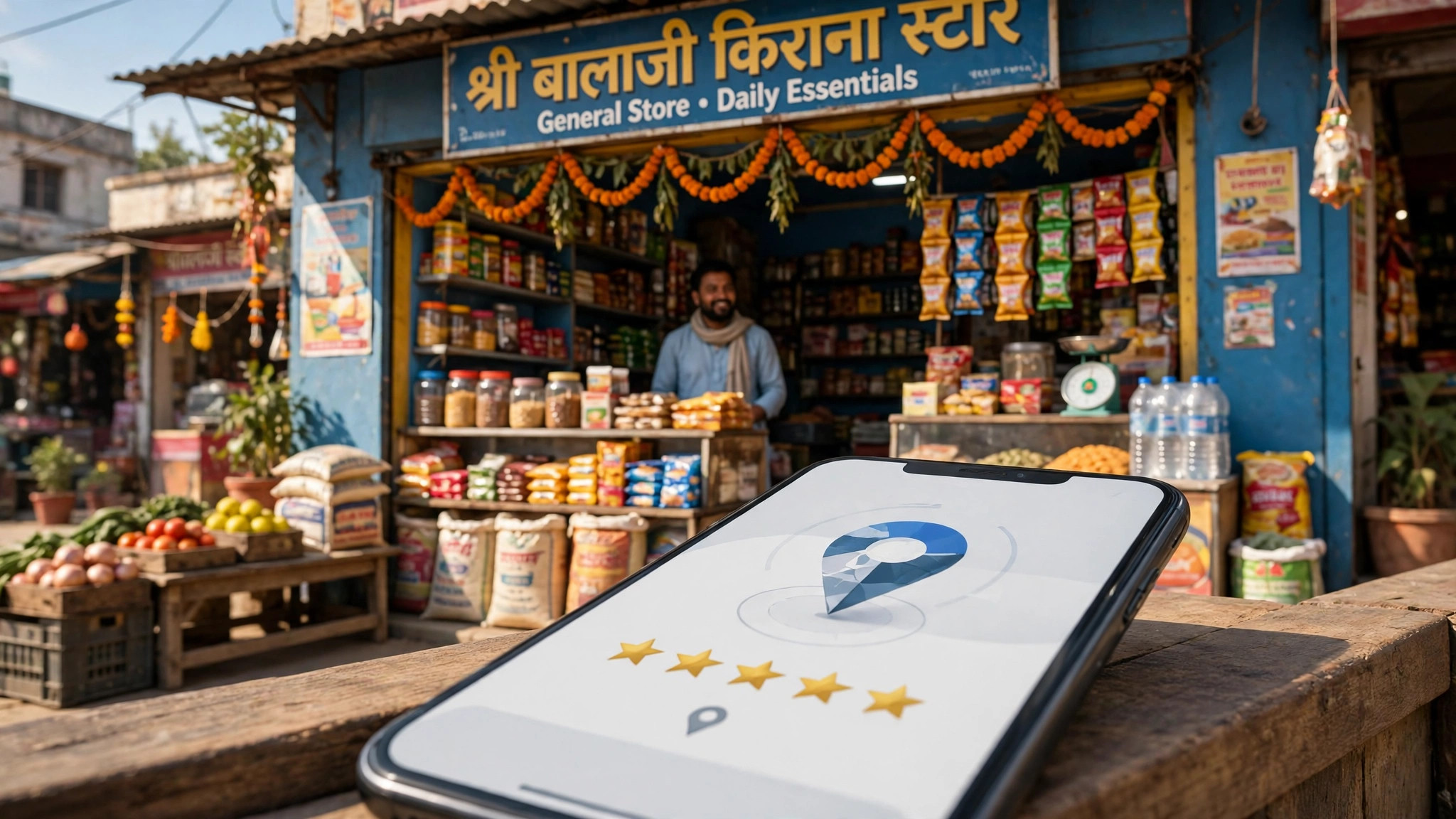
- October 22, 2026
- Tech
Google Business Profile — The Free Listing Every Local Business Must Claim
Google Business Profile — The Free Listing Every Local Business Must Claim
Think about the last time you needed a plumber, a salon or a restaurant in an unfamiliar part of town. You probably opened Google, searched, and picked from the businesses that appeared with a name, address, phone number, opening hours and reviews — most likely on a map. That listing is a Google Business Profile, and for a local business it is one of the most valuable pieces of online presence you can own. Best of all, it costs nothing.
Here is the part many owners miss: Google may already show a basic profile for your business, created from publicly available information. If you have never claimed it, you are not the one controlling what your customers see. This article explains what a Google Business Profile is, how to create or claim yours step by step, how verification works, and how to keep the listing accurate afterwards.
The Short Answer
A Google Business Profile is a free listing that lets you manage how your business appears on Google Search and Google Maps. Adding or claiming a profile is free of charge, and once you have added and verified your profile, customers can find your business on Search and Maps — and you control how your information shows up. If no profile exists yet, you create one at business.google.com/add. If an unverified profile already exists, you can claim it from Google Maps by choosing "Claim this business" and then "Manage now", or from Google Search by choosing "Own this business?". Verification is a required step in the process, and this guide walks you through each stage.
What a Google Business Profile Does for a Local Business
When someone nearby searches for your kind of business — or for your business by name — your profile is what presents the facts a customer needs to act: your address or the areas you serve, your phone number, your opening hours, directions, photos and reviews. For many small businesses, this listing is seen more often than their own website, because it appears right where the search happens.
Claiming the profile matters because an unclaimed listing is not under your control. The details on it may be incomplete or out of date, and you cannot correct them properly or manage the listing until you claim it. After claiming, you decide how your business information is presented — so the phone number customers call, the hours they rely on and the location they drive to are the right ones.
Before You Begin: Keep This Information Ready
The process goes faster if you gather the basics first: your business name exactly as customers know it, your full address (or the areas you serve, if customers do not visit your premises), the phone number you want customers to call, your main business category, your working days and hours, and a few clear photos of your shop, office, work or products. Use the same name, address and phone number format that appears on your website and signboard — consistency makes your business easier to recognise everywhere it appears online.
Step by Step: Create or Claim Your Profile
Step 1: Check Whether Your Business Already Has a Profile
Search for your business name on Google Search and on Google Maps. If a listing appears, look for the "Own this business?" option in Search or the "Claim this business" option in Maps. Seeing either option means a profile exists but has not been claimed by its owner — which should be you.
Step 2: Claim the Existing Profile, or Create a New One
If a profile exists, start the claim from Maps by selecting "Claim this business" and then "Manage now", or from Search by selecting "Own this business?" and following the steps shown. If no profile exists at all, go to business.google.com/add and create one by entering your business details as prompted. Claiming the existing profile is always better than creating a second one, because a duplicate listing splits your reviews and confuses customers.
Step 3: Enter Your Details Carefully
Fill in each field with accurate information: your real business name, the correct category for what you do, your address or service areas, your contact number and your opening hours. Enter your business name exactly as it appears in the real world — do not add extra keywords, offers or city names to it. Those additions do not help you, and an inaccurate name erodes the trust the listing is meant to build.
Step 4: Verify Your Business
Verification is a required step: Google needs to confirm that you are the legitimate owner or manager of the business before the profile is fully yours to control. Depending on the type of business, Google offers different verification methods and will show you the one that applies to you — follow the instructions on screen and complete the process promptly. Do not treat this step as optional paperwork; an unverified profile is a half-finished job, and the benefits of claiming begin once you have added and verified the profile.
Step 5: Complete and Polish the Profile
Once verified, fill in everything the profile offers: add your photos, list your main services or products, set special hours for holidays and festivals, and write a short, honest description of what your business does. A complete profile gives a searching customer everything needed to choose you — and gives them no reason to scroll to the next business.
Your Profile and Your Website Work Together
Your Business Profile helps nearby customers discover you and trust you; your website is where they go to understand your services in detail, see your full range and enquire or buy. The two support each other, so keep the name, address and phone number identical in both places. If you are planning a website or upgrading an old one, our complete price guide to website development cost in India explains typical budgets by website type, so you can plan the investment sensibly.
After Claiming: Keep the Profile Accurate
Because you control how your information shows up on Google, the profile stays useful only if you maintain it. Update it whenever something changes — a new phone number, revised timings, a shifted address. Keep your holiday and festival hours current, add fresh photos from time to time, and reply politely to customer reviews, both positive and negative: your responses are visible to everyone reading the listing, and they say a lot about how you run your business. A few minutes of attention every month is all it takes.
Common Mistakes to Avoid
- Leaving an existing profile unclaimed. The listing still shows to customers — just without your control over its accuracy.
- Stuffing keywords into the business name. Use your real business name; invented additions can mislead customers and undermine trust.
- Creating a duplicate profile instead of claiming the one that already exists, which splits reviews and information.
- Stopping before verification. Verification is required — an unverified profile is not fully under your control.
- Wrong or outdated contact details. A customer who calls a dead number or reaches a closed shop rarely gives a second chance.
Frequently Asked Questions
Is a Google Business Profile really free?
Yes. Adding or claiming a Business Profile is free of charge, and so is managing it afterwards. You do not need to pay anyone to create the listing itself.
My business already appears on Google Maps. Do I still need to do anything?
Yes — appearing on the map is not the same as owning the listing. Claim the profile, using "Claim this business" in Maps or "Own this business?" in Search, so that you control the information customers see.
Where will customers find my business once I am verified?
Once you have added and verified your profile, customers can find your business on Google Search and Google Maps — the two places people use most when looking for local services.
I do not have a shop — I visit customers at their location. Can I still create a profile?
Yes. Businesses that serve customers at their premises can list the areas they serve instead of displaying a storefront address, so electricians, tutors, cleaners and similar services can still be found locally.
Sources
- Google Business Profile Help — Add or claim your Business Profile
Ready to Build Your Business Presence Online?
Ready Multi Service helps local businesses grow online with website design, development and supporting digital services — so the customers who find you on Google land on a presence that deserves their trust. Read more practical guides for your business on the Ready Multi Service blog, and speak to our team when you are ready to take the next step.