







- October 24, 2026
- Tech
Passkeys Are Replacing Passwords and Small Businesses Should Switch Now
Passkeys Are Replacing Passwords and Small Businesses Should Switch Now
Most small businesses in India protect their email, billing software and cloud files with passwords that employees reuse, forget and eventually leak in a data breach. October 2026 is Cybersecurity Awareness Month, and Google has used the occasion to renew its push for a simpler and safer login standard called passkeys. If you run a small business, this is one of the rare security upgrades that costs nothing, takes minutes per person, and makes your accounts meaningfully harder to steal. Here is what passkeys are, why they beat passwords, and how your team can switch this week.
The Short Answer
A passkey is a login credential that lives on your phone, laptop or tablet and is unlocked with the same action you use to unlock the device — your fingerprint, face scan or device PIN. Google has described passkeys as "designed to be resistant to common online attacks like phishing," and unlike a password, a passkey can never be guessed, reused or phished away from you. Google accounts already support passkeys; you can create one by visiting g.co/passkeys, clicking "Create a passkey" and following the prompts. For a small business, moving your team to passkeys on key accounts (Gmail/Workspace, banking, accounting software) is a practical, free step toward phishing-proof logins.
What Is a Passkey, Exactly?
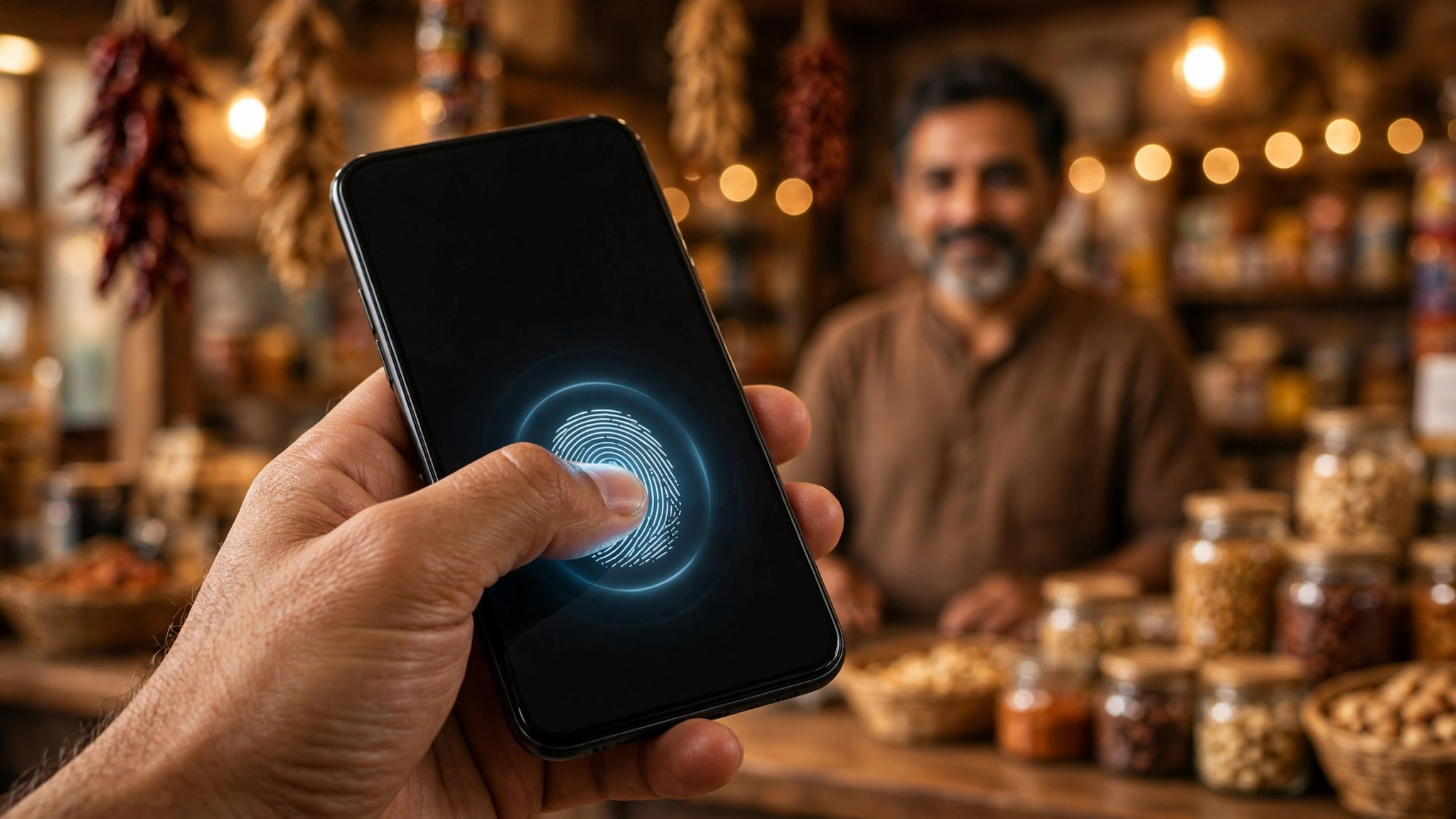
Think of a passkey as a digital key stored securely on your own device. When you sign in to a website or app that supports passkeys, the site sends a challenge to your device, and your device proves your identity locally — using your fingerprint, face scan or device PIN — before answering. There is nothing to type, nothing to memorise, and no secret that travels across the internet.
That last point is the crucial difference from passwords. A password is a shared secret: you type it, and the website (or whoever is pretending to be the website) receives it. If the website's database is breached, your password may leak. If you type it into a fake login page sent by a scammer, the scammer captures it. A passkey never works that way — the secret stays on your device and only proves, locally, that you are you.
Why this matters for small businesses
Password attacks remain one of the cheapest ways to compromise a small business. A stolen Gmail password can expose invoices, customer data and payment conversations; a stolen accounting-software login can reroute money. Passkeys remove the weak link — the typed secret — which is exactly why Google is now urging users to make the switch. In its Safety & Security blog message for this year's Cybersecurity Awareness Month, Google said: "This Cybersecurity Awareness Month, make signing in easier and more secure with passkeys."
What Google Says About Passkeys
Google's official position on passkeys comes down to three benefits it describes plainly:
- Simple. You sign in the same way you unlock your device — fingerprint, face scan or device PIN. No passwords to remember or type.
- Secure. Passkeys "can never be guessed or reused," and are built to resist phishing and other common online attacks.
- Private. Your biometric data (fingerprint or face scan) stays on your device and is never shared with Google.
Google has also confirmed that passkeys are enabled by default for Google accounts — the system is designed so you can skip the password step. If you ever want to go back to passwords, you can opt out by turning off the "Skip password when possible" setting in your Google account.
Practical Steps: Switch Your Team to Passkeys This Week
You do not need an IT department for this. Here is a simple rollout plan for a small team:
- Start with the owner's accounts. Visit g.co/passkeys, sign in with your Google account, click "Create a passkey" and follow the prompts. Do this on the phone you carry daily. Test signing in with the passkey once before touching anything else.
- Roll out to your team. Ask each team member who has a company Google/Workspace account to create a passkey on their own work device. Each person's passkey lives on their own device — that is the design, so a shared team laptop should not be everyone's passkey device.
- Extend to banking and key business apps. Passkeys are not Google-only — banks, password managers and many business apps now support them. Where a service supports passkeys, prefer it over SMS-based codes, which can be intercepted or socially engineered.
- Keep a recovery path. If a phone is lost, Google's account recovery still exists — but make sure every team member has a registered recovery email and phone number, and that you, as the owner, have an admin recovery route for Workspace accounts.
- Write it down once. Add a one-page note to your office security checklist: passkeys first for all logins, passwords only where passkeys are not supported, and unique passwords everywhere else. Review it quarterly.
One honest note: passkeys only protect you on sites that support them. For the accounts that still need passwords, use a password manager rather than memorised-and-reused passwords. That combination — passkeys where available, unique passwords everywhere else — is a strong posture for a team of any size.
This is especially worth doing now because social engineering against small businesses keeps rising. If you want a broader refresher on spotting scams your customers and staff might face, our guide on how to spot fake websites and stay safe while paying online pairs well with this — and if your family members also use your business devices, the UPI safety habits every Indian family should follow article covers the payment-side basics.
Frequently Asked Questions
Are passkeys really safer than passwords?
They remove the two biggest password weaknesses: they cannot be guessed or reused, and they are designed to resist phishing, because there is no typed secret for a fake website to capture. Google's own framing is that passkeys are "designed to be resistant to common online attacks like phishing."
What if I lose my phone — do I lose my accounts?
No. Passkeys on modern phones typically sync with your Google (or Apple/iCloud) account, so they can be restored on a new device. Google's account-recovery flow also still exists as a fallback, which is why keeping recovery email and phone details up to date matters.
Does Google store my fingerprint or face?
No. Google states that your biometric data stays on your device and is never shared with Google. The device verifies you locally and only confirms to the website that the check passed.
Do passkeys work only with Google accounts?
No — passkeys are an open standard supported by many services, banks and apps. Google is one of the largest adopters, but you will increasingly see "Sign in with a passkey" offered elsewhere, including in business software. Where it is offered, it is worth using.
Sources
- BetaNews — "Google wants more people to move away from passwords to passkeys" (10 Oct 2026) — https://betanews.com/article/google-wants-more-people-to-move-away-from-passwords-to-passkeys/
- Google Safety & Security Blog — "Passwordless by default: Make the switch to passkeys" (page updated 19 Mar 2026) — https://blog.google/innovation-and-ai/technology/safety-security/passkeys-default-google-accounts/
Keeping your business secure starts with getting your digital foundations right. Ready Multi Service helps Indian small businesses get online professionally with website design and digital services — a secure, modern website is the first layer of your business's online safety.